
Scientific Diagram Maker: One Diagram, 4 Teaching Uses
Use a scientific diagram maker to create a labeled lesson, simplified handout, unlabeled quiz, and answer key from one verified visual.
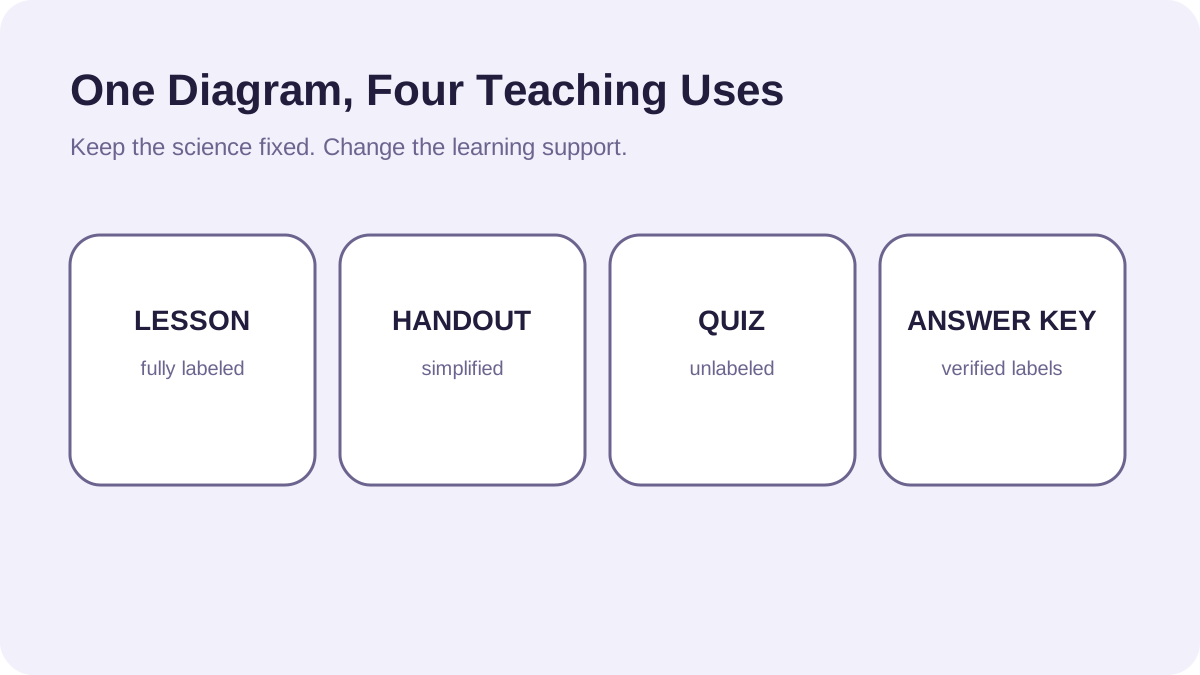
One verified scientific visual can support several classroom activities when the underlying structure stays consistent and only the amount of guidance changes.
What is a scientific diagram maker?
A scientific diagram maker helps turn a process, structure, pathway, or system into a labeled visual that can be revised for different audiences and learning goals.
Use 1: a labeled lesson diagram
Start with the complete version. Show the essential structures, relationships, and directional cues, and keep terminology aligned with the curriculum or textbook used in class.
Use 2: a simplified student handout
Remove secondary detail, reduce the number of labels, and preserve only the relationships students need for the current lesson. Simplification should reduce cognitive load without changing the science.
Use 3: an unlabeled quiz
Keep the geometry and visual landmarks from the lesson version but replace selected labels with blanks or callouts. This makes the assessment recognizable without giving away the answer.
Use 4: an answer key
Restore the labels and optionally add brief explanations for commonly confused structures. Because the answer key comes from the same source visual, it stays aligned with the quiz.
How to simplify a science diagram for beginners
Prioritize one learning objective, use direct labels instead of a dense legend, limit decorative elements, and reveal complexity gradually across lessons.
Keep every classroom version scientifically consistent
Before publishing the lesson, handout, quiz, and key, compare them side by side. Structure names, arrow directions, colors, and spatial relationships should not change accidentally between versions.